Multi-outlet POS & inventory
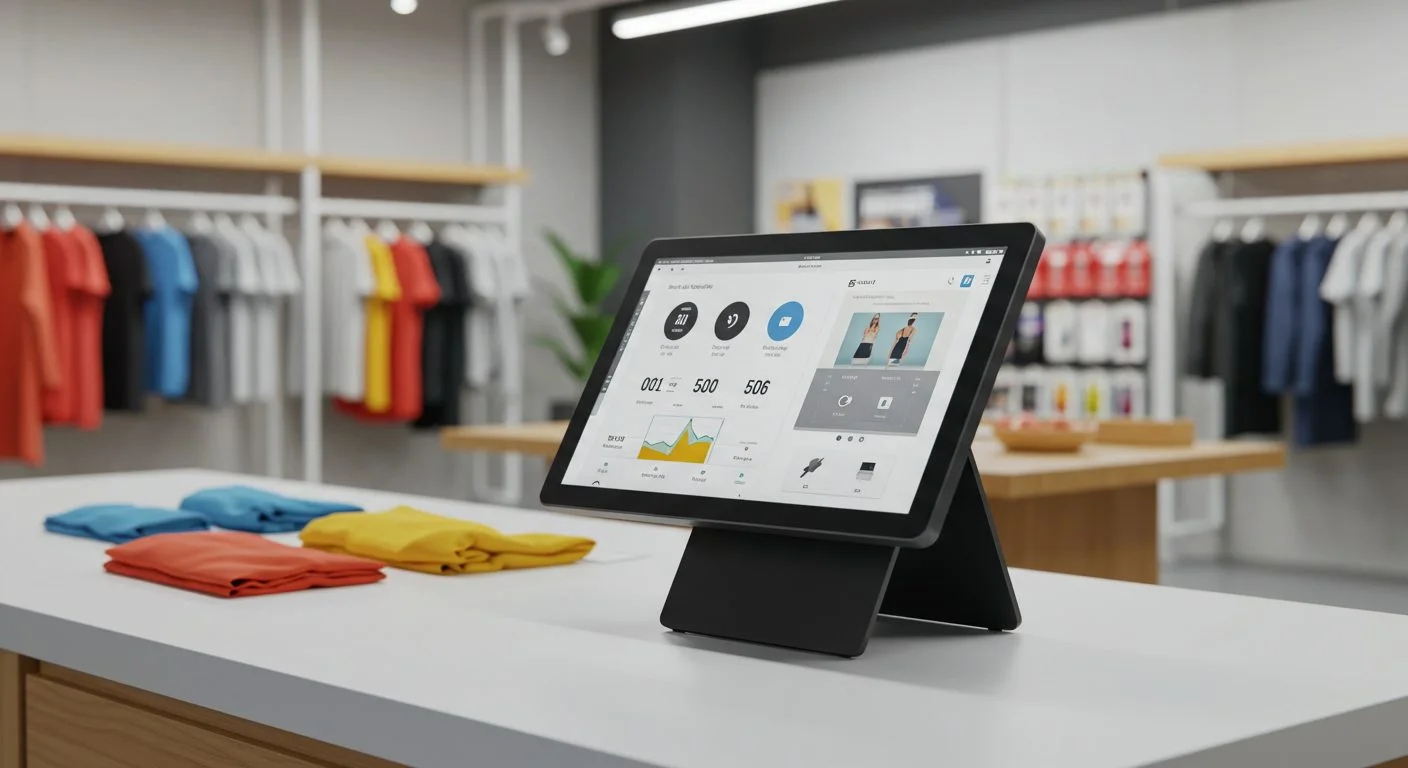
A point-of-sale and stock-control platform for a growing retail group, designed around the way counters actually work.
The brief
Sales, stock and reporting were spread across counters and spreadsheets. Managers could not see what was selling, what needed replenishing, or which outlet was performing.
The context
Rudra Holdings runs multiple retail counters, each with its own rhythm. Sales were captured at the till, stock lived in spreadsheets, and outlet reports arrived after the fact. Managers could not answer simple questions — what sold today, what is running low, which outlet needs a transfer — without calling around.
We started at the counter, not the dashboard. Cashiers needed a fast sale flow with barcode support; supervisors needed stock alerts and transfers; managers needed outlet-level reporting. The system was built around those three views, with permissions that match how the team already works.
Scope and constraints
The counters could not stop for a long migration. We ran the new system alongside the old one, imported opening stock, and trained supervisors outlet by outlet.
How we approached it
- 01Mapped counter workflows and stock movements before designing screens
- 02Built a fast, mobile-friendly POS with barcode support
- 03Added stock alerts and outlet-level reporting
- 04Set up role-based access for cashiers, supervisors and managers
What we built
- Sales and returns
- Stock control and transfers
- Outlet reporting
- User roles and permissions
What changed
- A sale takes seconds at the counter, even on a busy day.
- Stock levels and transfers are visible across outlets.
- Managers get a daily view without rebuilding a spreadsheet.
- New outlets can be added without a new system.
What we learned
The hardest part was not the POS screen; it was agreeing on stock rules across outlets. We spent the first week mapping transfers and returns, and that upfront work removed most of the edge cases later.
After launch
After launch we stayed on for a support window, tuned the stock alerts and added the transfer view supervisors asked for in week two.
Services
- Custom software
- Product design
- Support
Technology
This is a project snapshot. Contact us if you would like a deeper walkthrough of the build, the decisions behind it, or references from similar work.