Clinic appointments & patient flow
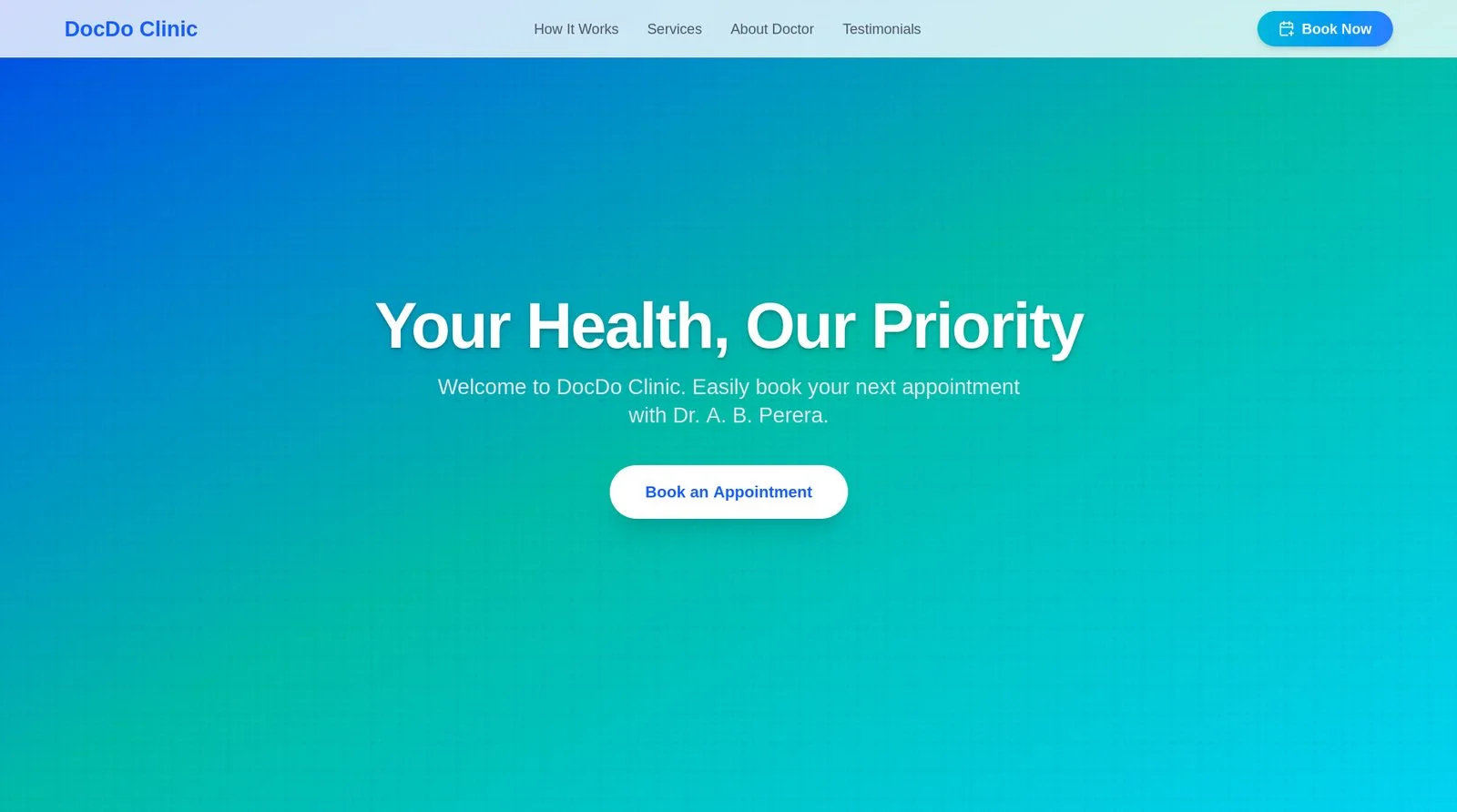
An appointment and patient-management system that gives clinic staff one clear view of the day.
The brief
Bookings, patient records and follow-ups were handled manually. That created double bookings, long waits and paper records that were hard to find.
The context
DocDo Clinic's front desk was managing bookings, patient records and follow-ups by hand. Double bookings were common, paper files were hard to find, and patients often waited longer than they should.
We designed the booking flow around the front desk's real sequence: find patient, choose practitioner, pick a slot, confirm, remind. Patient history sits beside the schedule so practitioners can prepare without chasing files. Access is separated so each role sees only what it needs.
Scope and constraints
The clinic could not pause bookings during the build. We shipped the schedule first, then records, then reminders, so the front desk had a working tool early.
How we approached it
- 01Designed a simple booking flow for front-desk staff
- 02Centralised patient records and visit history
- 03Added schedule views and reminders
- 04Built separate access for front desk and practitioners
What we built
- Appointment scheduling
- Patient records
- Visit history
- Reminders and reports
What changed
- The front desk sees the day in one schedule.
- Patient history is searchable in seconds.
- Reminders reduce avoidable no-shows.
- Practitioners and admin see separate, appropriate views.
What we learned
A booking system is only as good as the front desk's trust in it. We tested the flow with the people who use it every day and changed the order of a few steps based on what they actually do.
After launch
We reviewed the first month of bookings with the team and adjusted slot lengths and reminder timing before handing over.
Services
- Custom software
- UX design
Technology
This is a project snapshot. Contact us if you would like a deeper walkthrough of the build, the decisions behind it, or references from similar work.