How to choose a website developer in Sri Lanka
Ashen Shandeep
Team representative · Axiora Labs
Most website projects start with a shortlist and a comparison of quotes. That is understandable, but it is a weak way to choose a developer. Two proposals can look similar on paper and produce very different websites: one is fast, editable and owned by the client; the other is slow, locked down and expensive to change.
The better approach is to evaluate the things that determine the site’s value after launch. Here are the criteria that matter, and the questions that reveal them.
1. A relevant portfolio
A portfolio of beautiful screenshots is not enough. Look for sites that are close to your situation: a service business, a store, a booking flow, a content-heavy site. Then open them on a phone and click around.
Ask:
- Which project is most similar to ours, and what did you do on it?
- Can I speak to that client?
- What was the brief, and what changed during the build?
- Which parts did you design, and which did the client provide?
A developer who can explain the decisions behind a project is more useful than one who only shows the visuals.
2. Performance on a real phone
A site that looks good on a desktop can be painful on a mid-range Android phone. Ask how the developer approaches performance.
- Are images compressed and served in modern formats?
- Is the site tested on a real phone and a slower connection?
- What are the Core Web Vitals targets, and how are they checked before launch?
- How many third-party scripts are added by default?
A good answer is specific: image sizes, font loading, script budgets, caching. A vague “we optimise for speed” is not a plan.
3. Search foundations
SEO is not a plugin you add at the end. The basics should be part of the build:
- one page per service, with a clear title and H1,
- clean URLs and canonical tags,
- a sitemap and robots file,
- structured data where it helps,
- internal links between pages,
- fast mobile pages,
- a Google Business Profile setup if local search matters.
Ask the developer to explain how they would structure a service page and what they would measure after launch. If the answer is only “we submit to Google”, keep looking.
4. Content editing
A website the team cannot update becomes stale. Ask:
- Which CMS or editing workflow will we use?
- Can we add a page, change an image and update a service description without a developer?
- Is the editing experience straightforward for a non-technical person?
- What is included in handover — a guide, a video, a training session?
A simple CMS that the team actually uses is better than a powerful one nobody understands.
5. Ownership and access
The client should own the domain, hosting account, CMS, analytics and code (or have a clear licence). Ask:
- Who owns the domain and hosting account?
- Will we have admin access to the CMS and analytics?
- Can we export the content and move it later?
- What happens if we stop working together?
If the answer involves the developer holding all the accounts “for convenience”, clarify the arrangement in writing. Lock-in is easier to prevent at the start than to unwind later.
6. Process and communication
A website project has more decisions than most clients expect. The process should make those decisions visible.
- Is there a written scope before design starts?
- How many revision rounds are included?
- Who is the main contact, and how often will we hear from them?
- Will we see a staging site before launch?
- How are changes handled after the scope is agreed?
A developer who communicates clearly during the sales process is more likely to communicate clearly during the build.
7. Support and security
Launch is the start, not the end. Ask:
- What support is included after launch, and for how long?
- Who handles updates, backups and security patches?
- What happens if the site goes down?
- Is there a maintenance plan, and what does it cover?
- How are forms and customer data handled?
A site without a support plan is a site that will slowly degrade.
Questions to ask before you sign
- Can you show two sites like ours and explain the work?
- How will you make the site fast on a mid-range phone?
- How will the site be structured for search?
- Can our team edit content without you?
- Who owns the domain, hosting, CMS and analytics?
- What is the process for changes and revisions?
- What support is included after launch?
- What do you need from us to hit the date?
The answers matter more than the sales deck.
Red flags
- A quote with no written scope or assumptions.
- A portfolio with no live links or no explanation of the work.
- “SEO is included” with no detail.
- No staging site or review process.
- The developer insists on owning the domain or hosting.
- No support or maintenance plan.
- A timeline that assumes every content and approval step is instant.
One red flag is a question. Several is a pattern.
How to compare proposals
Put the proposals side by side and compare the same things:
- Scope and deliverables.
- Who does the work.
- Timeline and dependencies.
- Performance and SEO approach.
- Editing and handover.
- Ownership and access.
- Support after launch.
- Total cost over two or three years, not only the initial quote.
The cheapest proposal is rarely the cheapest site. The most expensive is not automatically the best. The right choice is the one that matches the outcome you need and the way you want to work.
How we approach it
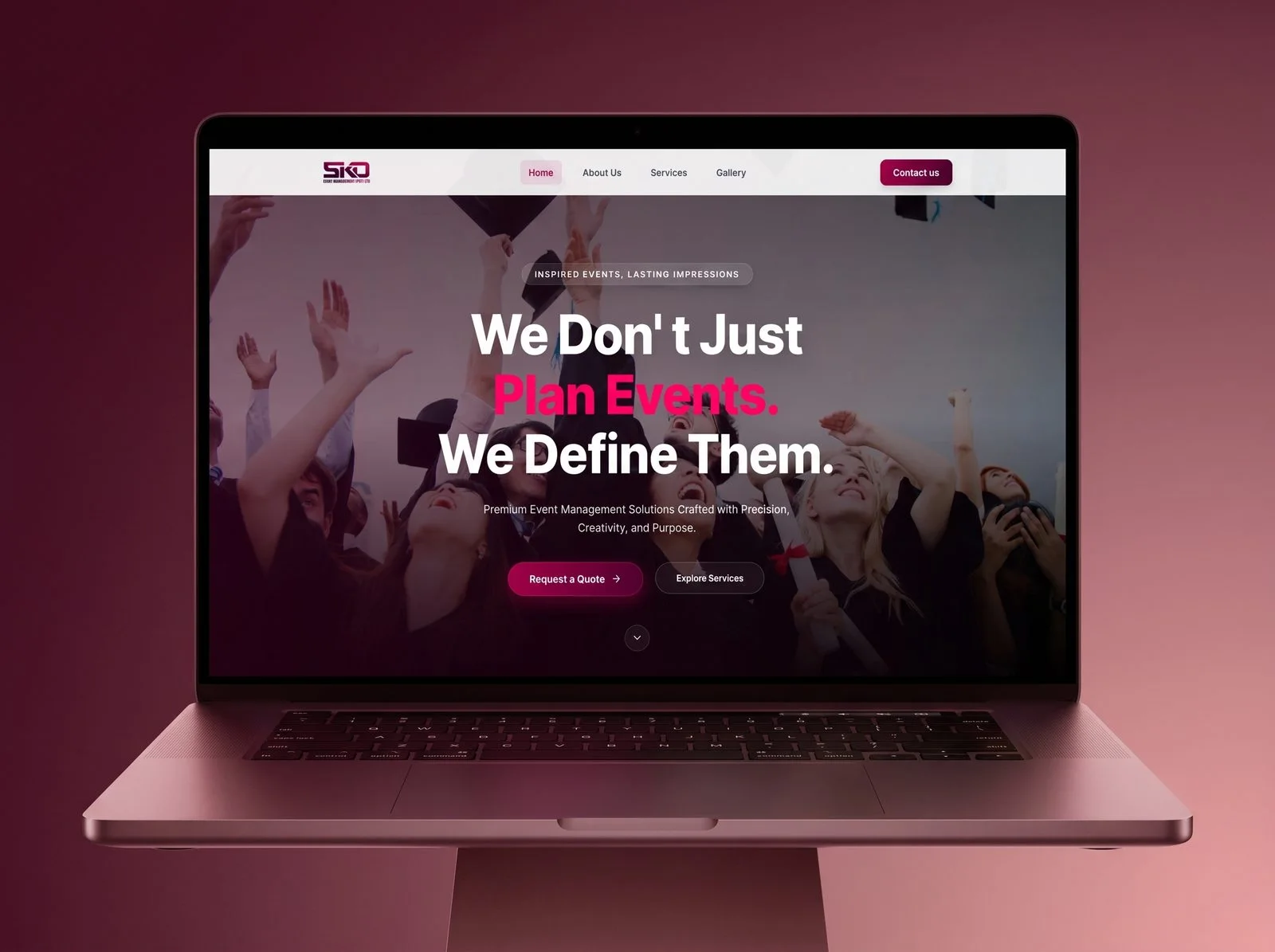
Our web development work starts with the outcome, then the structure, then the design. Performance and search are launch requirements, not extras. The SKD Events case study shows a design-led build that stayed fast on mobile, and the portfolio has other examples.
If you are comparing developers, talk to us with the site you have and the outcome you need. We will give you a straight answer, even if the right next step is not a rebuild.
Need help with this?